Tutorial
SimFluVar is freely available from the PRODUCT in SimFluVar homepage. You may download the compressed SimFluVar files for your operating systems. Detailed installation method for each operating system is as follows.
More Detail
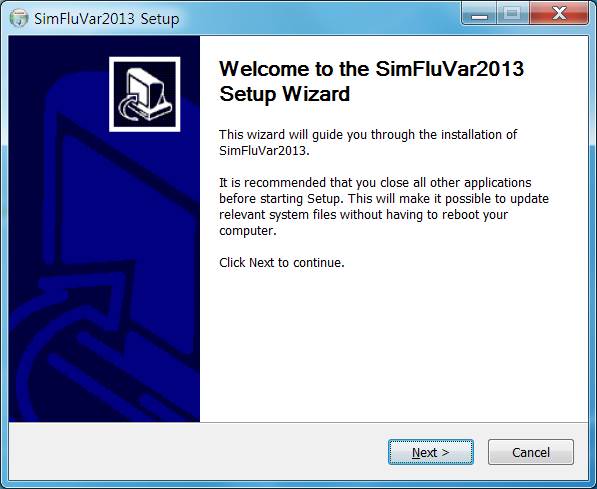
2. Setup Figure1. Installation of SimFluVar 1
Figure2. Installation of SimFluVar 2
Setup can be done automatically by simply executing the distributed setup program. First, ensure that Java Runtime Environment (JRE) is already installed on the computer; if it is not, please visit the JAVA distribution page (http://www.oracle.com/technetwork/java/javase/downloads/index.html) to install the latest JRE. After downloading it on the PC, run the program by double-clicking on the 'SimFluVar2013_xxxx.setupexe' file. Upon entering all required information about the setup, you will be taken to the next screen, where the final setup will take place.